Prepare your words
Prepare a Script in FoxTake: Type, Import, Dictate and Review AI Polish
FoxTake brings typing, pasted text, .txt/.md imports and dictation into one editable script. AI Polish is separate and optional: it processes the current draft, shows a preview, and replaces your words only when you accept.
Bring your own words into the editor
Start with a point you want to explain. Open the script library to create or edit a script, or edit the current script from the prompter when not recording.
- Type: write and revise directly in the editor.
- Paste: use standard text editing controls to bring text from Notes or another document. A dedicated Paste & Replace button described in older instructions is not the current workflow.
- Import: use a .txt or .md file. Do not assume Word, PDF or cloud-document import.
- Dictate: place the cursor where the words belong, then choose the language you will speak.
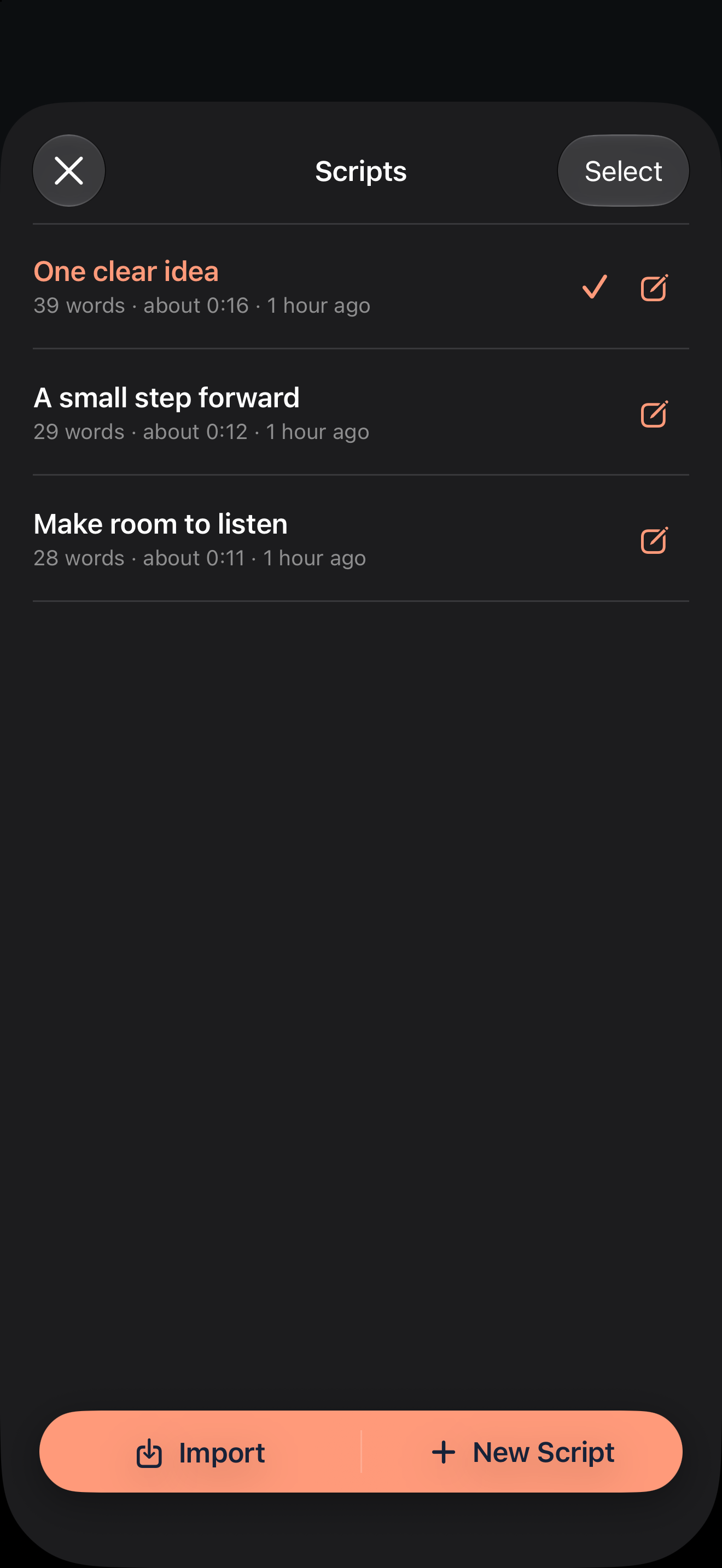
Dictate into the draft
- Move the cursor or select text to replace.
- Choose the spoken language, independently of the interface language.
- Tap to start dictation, speak, and tap again to stop.
- Check the inserted words, especially technical terms, names and numbers.
Recognized text is inserted at the starting selection. Dictation does not automatically call AI Polish. Speech support depends on language and device resources. If unavailable, type or paste instead; cloud audio transcription is not offered in this release.
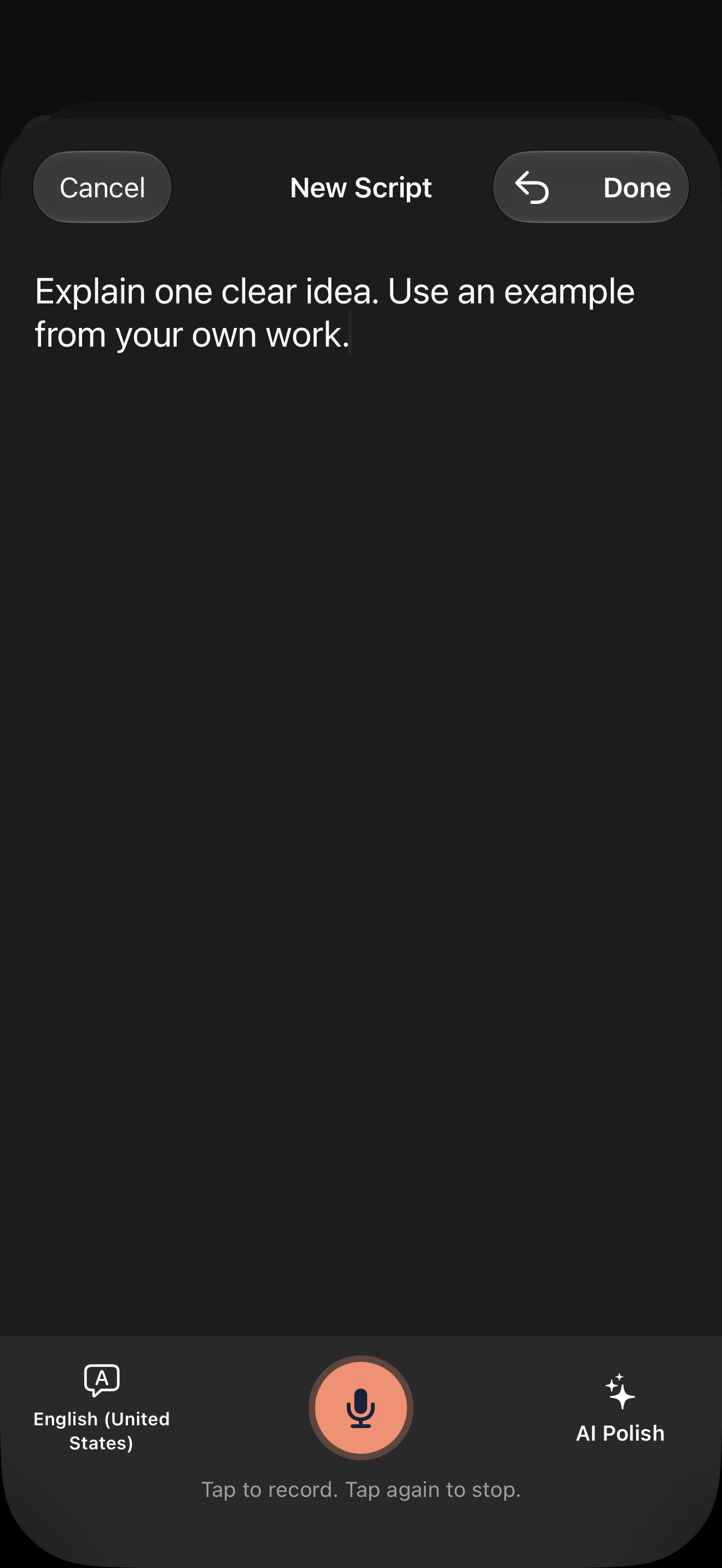
Preview AI Polish before replacing
AI Polish can correct mistakes, smooth wording or tighten a draft for speaking, with optional output language and target length. It cannot guarantee factual accuracy or exact spoken duration.
- Finish entering the material. AI Polish sends the current draft, including typed, pasted and dictated text.
- Choose a polish option. It processes the whole draft, not only highlighted text.
- Compare the proposal with the original. Check facts, qualifications and whether it still sounds like you.
- Choose Replace Draft only when satisfied, or cancel the proposal.
For example, This may reduce delays when the team agrees on ownership
must not become This eliminates delays
. This is an illustrative writing check, not a tested model result.
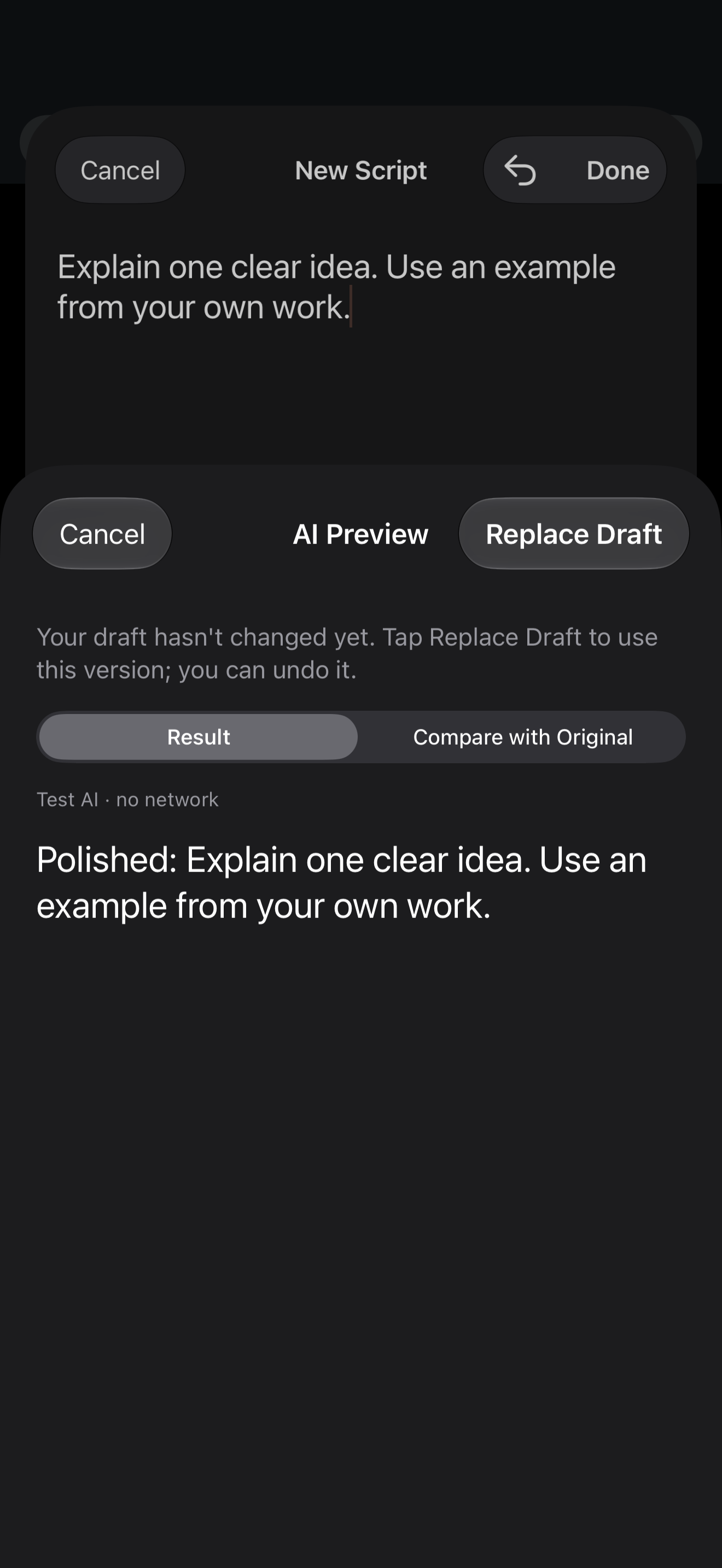
Save and understand undo
Use Done to save. Recent typing, paste, dictation and accepted AI changes can be undone within the current editing session. Undo is not a persistent version archive after closing and reopening the editor. Keep an independent copy of important source material.
Know what goes online
AI Polish sends text through FoxTake's Tokyo server to Alibaba Cloud Model Studio. Our proxy does not retain content; provider retention follows its terms. You can leave online AI off and still type, paste or use supported on-device dictation. Read the privacy policy for details.
Version and sources
Written for international FoxTake 2.0, based on the published App Store description and release implementation. Other interface languages use localized control labels.