For real estate agents
Real Estate Video Scripts You Can Record on iPhone
The three videos most agents record again and again are an introduction, a market update and a listing intro. Each works best as a short script with one message: who you are and how you help, what changed in your market and what it means, or why this home is worth a visit. Below are fill-in templates for all three. Read them near the lens on your iPhone, say a sentence again when you stumble instead of restarting, and check the facts and captions before you post.
What these scripts are for
These templates are for you talking to camera, filmed on one iPhone in portrait. That suits social feeds, your website and messages to clients. They are not property tours: a walkthrough with gimbal footage, drone shots or music needs a separate editing workflow. A common approach is to record the talking part in FoxTake and add it to tour footage in your usual editor.
Every script below is a fictional template. Replace each [bracketed]
part with your own facts, and remove anything you cannot back up.
Agent introduction video script
Use it on your profile, in your email signature, or before a first call. Lead with who you help, not your career history.
Hi, I'm [name] with [brokerage]. I help [who you help, for example first-time buyers] in [area].
Buying here moves fast, so the first thing I do is [one concrete thing you do, for example walk you through what a strong offer looks like before you see a home].
When you're ready, [next step, for example send me the neighborhoods you're looking at], and we'll start there.
Keep it to one way you help and one next step. If you want to say more, record a second video instead of a longer first one.
Market update video script
A market update is useful only if it is accurate and explains what the numbers mean for the viewer. Use figures from your MLS or local association, say the period and the source out loud, and avoid predictions that sound like promises.
Here's your [month] market update for [area].
According to [source], the median sale price was [figure], [up or down] [figure] from [comparison period]. Homes took a median of [figure] days to go under contract.
What that means: if you're selling, [one practical implication]. If you're buying, [one practical implication].
Every street is different. If you want to know what this means for your home, [next step].
Numbers are where reading from memory goes wrong, which is why a teleprompter helps here most. Check each figure on screen against your source before you record, and again in the captions afterwards.
Listing intro video script
This is the part of a listing video where you speak to camera: the home in a few sentences and why someone should book a showing. Describe the property and the area, not the kind of person who should live there.
This is [address or neighborhood], listed at [price].
It has [bedrooms] bedrooms and [bathrooms] bathrooms on [lot or floor area]. The feature people notice first is [one specific feature].
It's [distance] from [nearby place], and [one more fact about the location].
Showings start [date]. [How to book].
Confirm the price, room counts and dates against the listing on the day you record. If any detail changes, remake the video rather than letting an old version circulate.
Record a week of videos in one session
Agents who post regularly usually batch: write several scripts, set up once and record them back to back.
- Put each script into FoxTake as its own script: type, paste, import .txt/.md files or dictate. Read each aloud once and shorten anything you trip over.
- Set up the phone once. Record a short sample and play it back to check sound, light and framing. The one-iPhone setup checklist covers eye line and room noise.
- Read near the lens. Constant-speed and manual scrolling are available to everyone; Voice Follow uses credits, scrolls as you speak and waits when you pause. See reading a teleprompter naturally.
- If you stumble, pause and say the whole sentence again, then keep going. FoxTake's credit-based one-tap video workflow detects the repeated attempt when you make the video, proposes cutting the earlier one, and can trim silent ends and shorten long pauses. Review the cuts before you share; the retake review guide shows how.
- Add captions. Many people scroll with the sound off, and captions let them follow the numbers. Check every figure, address and name against what you said.
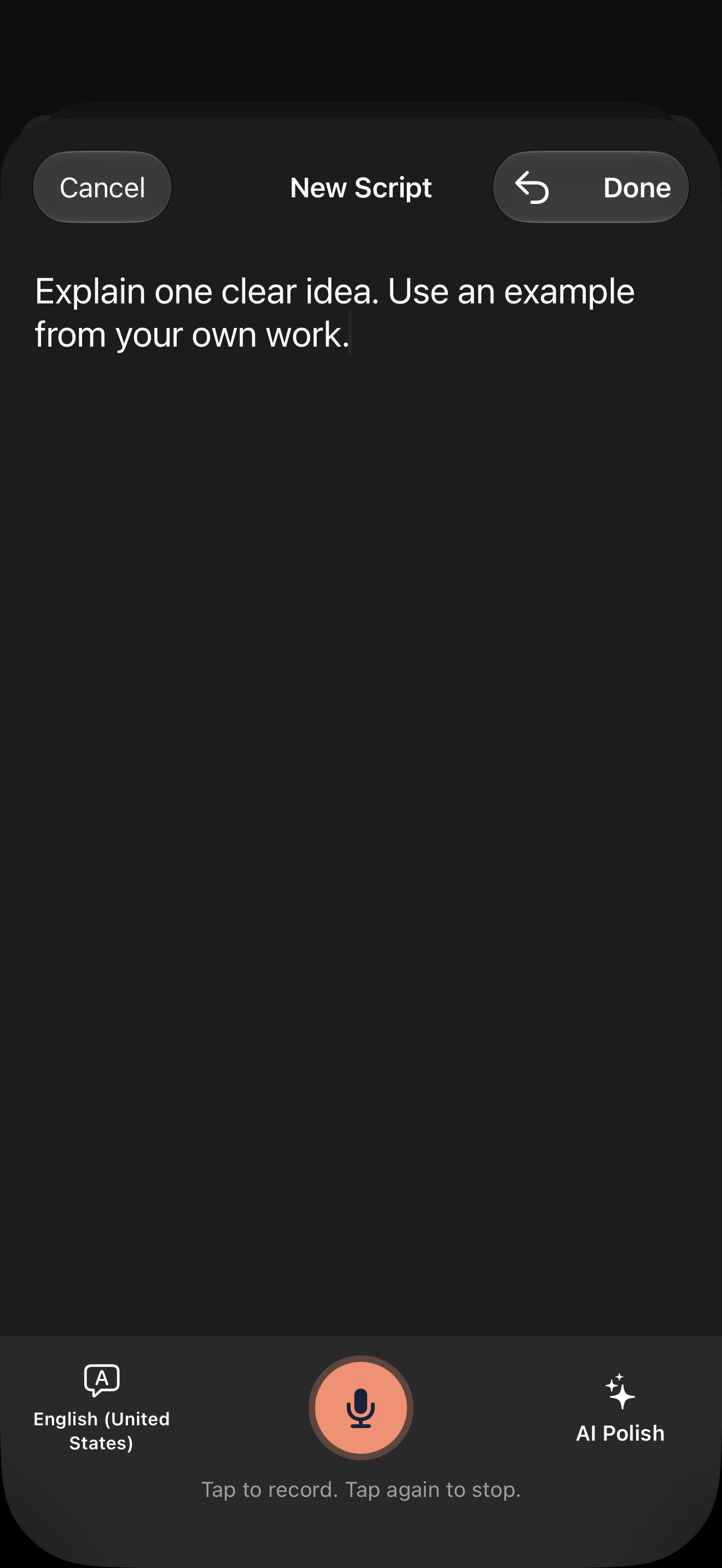
If you use AI Polish to tighten a draft, compare the proposal with your original before replacing it, and check that no figure or claim has changed.
Check facts and advertising rules
A video that promotes a listing or your services is advertising. Two checks apply to every script:
- Fair housing. The federal Fair Housing Act prohibits housing advertising that indicates a preference, limitation or discrimination based on race, color, religion, sex, disability, familial status or national origin (42 U.S.C. § 3604(c)). Describe the home and the area, not who should live there. State and local laws may protect additional groups.
- Brokerage and license details. Rules on naming your brokerage and showing license information in advertising differ by state. Follow your state's rules and your brokerage's policy; the templates above leave a place for the brokerage name.
This is a practical reminder, not legal advice. Your brokerage's compliance guidance takes priority over anything here.
Check each video before you post
- One message: can a viewer say in one sentence what the video was about?
- Facts: are prices, figures, dates and room counts correct and current, with the source named for market data?
- Wording: does it describe the property and services rather than the people you want to attract?
- Captions: do numbers, addresses and names match the audio after the cuts?
- Destination: does the platform accept portrait video, and do its controls cover the captions?
Keep the original recording so you can remake the video if a cut or caption needs fixing; a spoken mistake in a fact still needs a new take.
Version and sources
Product steps cover international FoxTake 2.0 release source 9e32c98 and the App Store listing, with access defined in the terms. The fair housing wording summarizes 42 U.S.C. § 3604(c), checked on October 23, 2026. All scripts are fictional templates; this article does not report a filmed listing, market data or a measured marketing result. Personal views, for reference only.