Finish and deliver
How to Add English Subtitles on iPhone: Translated and Bilingual Captions in FoxTake
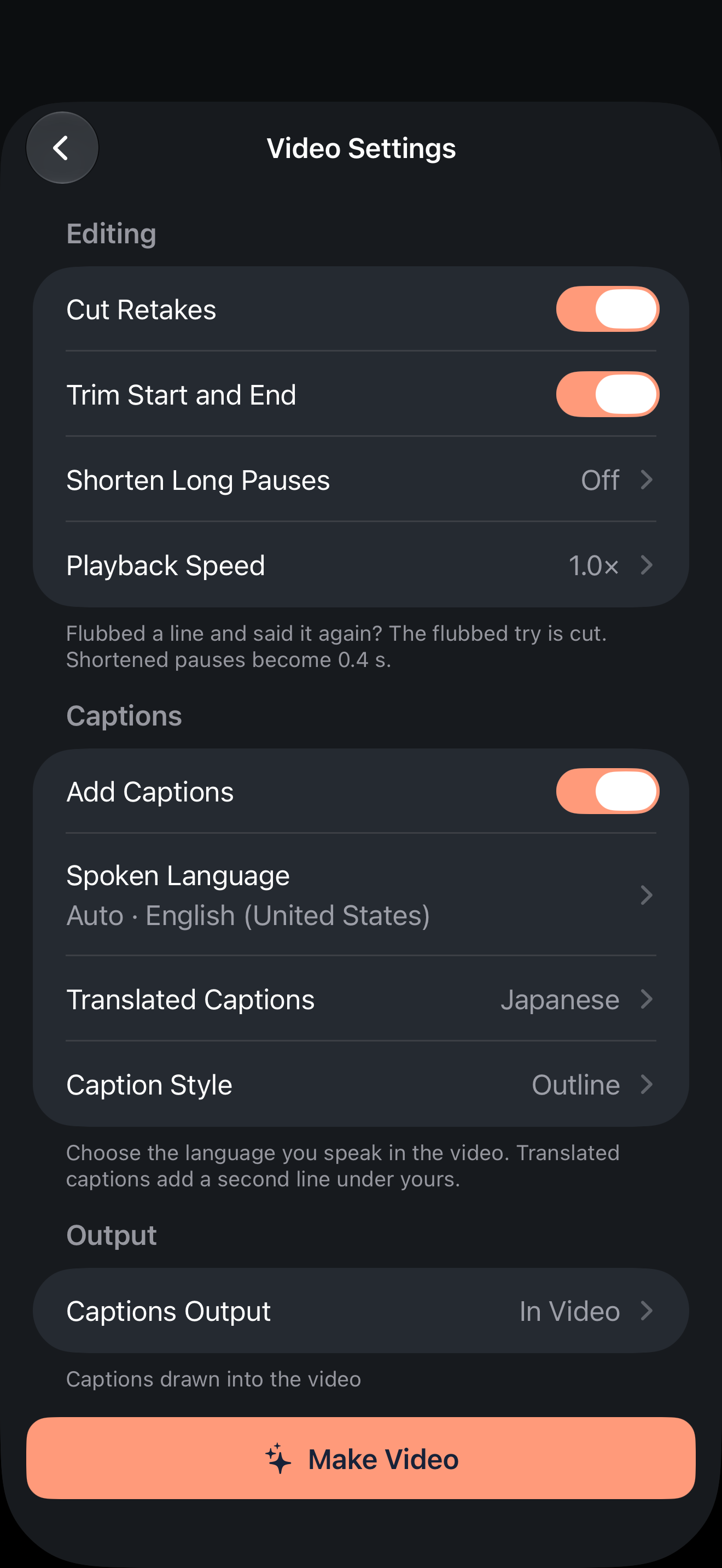
To add English subtitles to a video you recorded in another language, or subtitles in another language to an English video, FoxTake 2.0 adds an optional translated second caption line under the captions of your own words, so viewers see bilingual subtitles. Choose the spoken language separately from the translation target, check the recognized source words, and inspect the translated result before publishing. Language selection alone does not prove translation succeeded.
Separate the three language choices
The interface language controls buttons and labels. Spoken Language describes what you said in the recording. Translated Captions selects a target language for the second line. Changing the interface does not translate a script or identify the recording's speech reliably.
For example, a person using an English interface can record a Spanish explanation and request an English second caption line. This illustrates the settings; it is not a claim that every device and language pair has been tested.
Set up the second caption line
- Open the recording's making options and enable Add Captions.
- Check Spoken Language against the actual recording, rather than the language of an earlier draft.
- Review and correct the source captions against the audio.
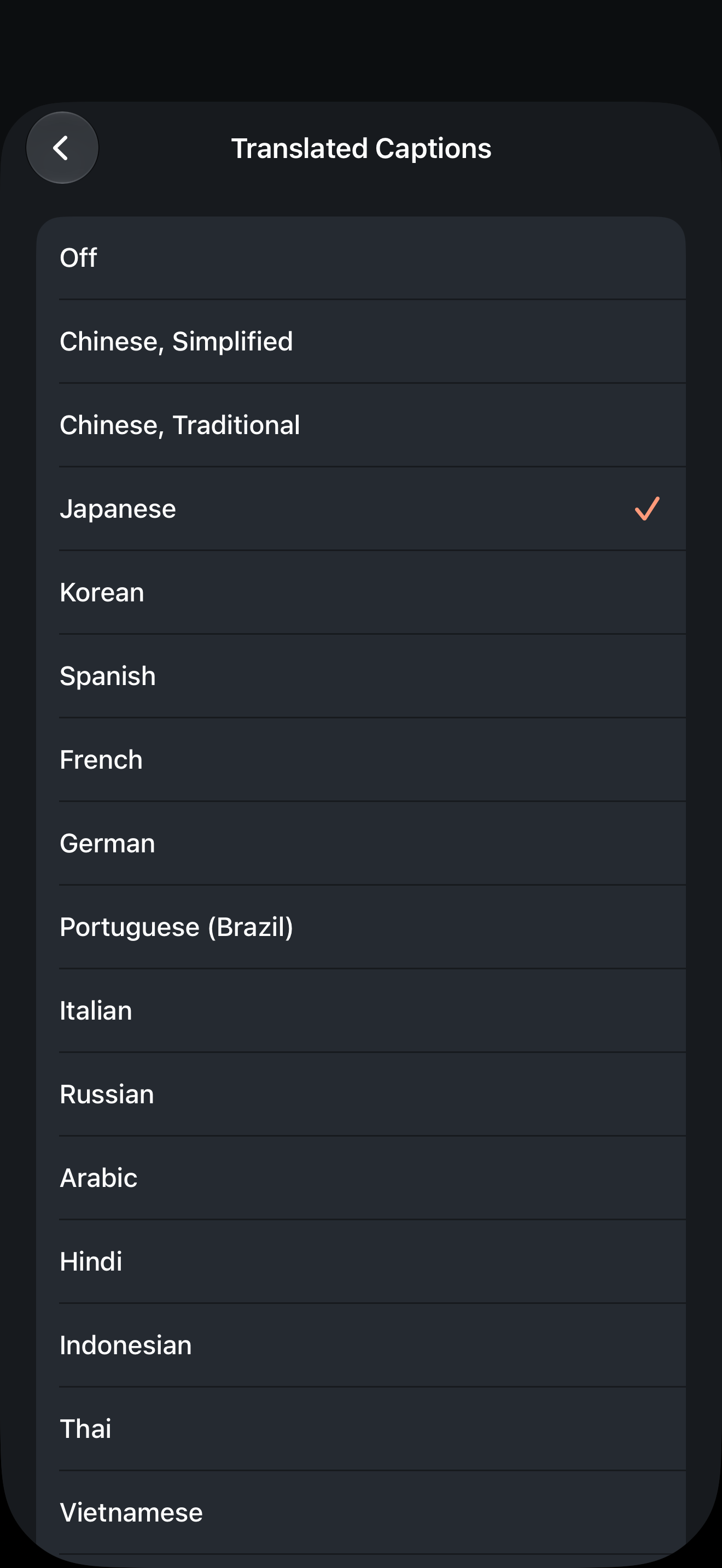
- Choose a different target under Translated Captions, then set your caption style and output.
- Make the result and check that the second line is present and says what you intended.
To inspect cuts and source captions before the first render, enable Review Before Making, also labeled Check Before Making in some builds. It is off by default. The result still needs a separate translation check.
Know which processing path you use
Online translation sends caption text through FoxTake's Tokyo server to Alibaba Cloud Model Studio after agreement. Video pictures and original recordings are not sent by this text feature. Provider retention follows its terms; our proxy does not retain content.
When online AI is off or unavailable, supported on-device translation may be used. This does not make one-tap video credit-free. A language resource may need downloading first, and not every pair is available. An offered target in the interface is not a guarantee of successful local processing.
Check meaning before appearance
- Compare names, numbers, units and dates with the confirmed source.
- Check negations and qualifications such as
may
andonly when
. - Check specialist terminology in context, with a competent speaker if needed.
- Play across cuts and inspect how much text the viewer has time to read.
If the result is incorrect and you cannot correct it within the available workflow, keep the source-language result and revise or omit the translation before publishing. Do not assume rendering means linguistic approval.
If translated captions are missing
Read the app's service or translation message. Check your source and target choices, language resources, connection, available credits and the app message. Try again only after addressing the reported condition. Preserve an existing useful export before remaking.
This second-line feature is not a full library of independent subtitle versions, translated audio or voice cloning. It does not automatically distribute a video to an international audience.
Version and sources
Product instructions cover international FoxTake 2.0. Feature scope is checked against the published App Store description and release implementation. Writing examples are illustrative, not customer results.