Prepare, check and deliver
Record in Your Own Language, Publish with English Captions
Keep the language you can explain accurately, then treat English captions as a separate editorial deliverable. Confirm the source words, check the translation against the intended meaning and inspect the actual exported video. FoxTake 2.0 offers an optional translated second caption line; it does not replace the spoken audio with English.
Decide whether captions solve the audience's problem
English captions can help a viewer who can read English but does not understand the original speech. They do not make an audio-only listener understand it. If the audience needs English speech, plan a separate spoken recording or another production workflow rather than assuming a caption option creates dubbing.
Define the intended use before recording: a short public explanation, an internal update or a client handoff. Ask whether the recipient can read a second line comfortably on a phone and whether they need a captioned video or a separate subtitle file. Those decisions come before choosing a translation target.
Prepare a brief that preserves your meaning
Use this worksheet with your own material. It is a preparation template, not a customer case or a tested translation pair.
| Item | What to record | Acceptance question |
|---|---|---|
| One main answer | The point the viewer must understand. | Does the English convey the same answer? |
| Names and terminology | The intended spelling and meaning of specialist terms. | Is the term appropriate in this context? |
| Numbers and conditions | Dates, units, negations and words expressing uncertainty. | Have any conditions or qualifications disappeared? |
| Reviewer | Someone able to assess both the source and English. | Can meaning be checked without guessing from fluency? |
For an editorial check, compare We may start after the scope is agreed
with We will start immediately.
These English sentences illustrate a change in certainty and timing; they are not output produced by FoxTake. A smooth sentence is not sufficient evidence that the translation is faithful.
Approve the source before approving the translation
- Record the explanation in the language you intend to speak. Keep confidential material out of both the picture and the script.
- Set Spoken Language to the recording's actual speech. Review the source captions against the audio, including passages joined by retake cuts.
- Choose English as the translated-caption target where available. Follow the settings and processing guide; changing the interface language alone does not translate the video.
- Read the translated result alongside the confirmed source. Use the brief to check terms, numbers, negations and conditions; ask a competent reviewer when you cannot assess the English yourself.
- After changing the source or cuts, remake and inspect the new result. Do not assume an earlier translation still matches.
A target listed in the picker is not proof that the language pair succeeded on this device. Check service messages and the finished result. Online translation uses text after agreement; supported on-device processing depends on resources. See processing boundaries rather than assuming all translation works offline.
Check the delivered version on the receiving screen
Play the saved video at a normal viewing size. Check whether both lines are readable, whether the viewer has time to read them and whether destination controls cover important words. Preview in the destination app; a setting alone cannot establish that the final layout works everywhere.
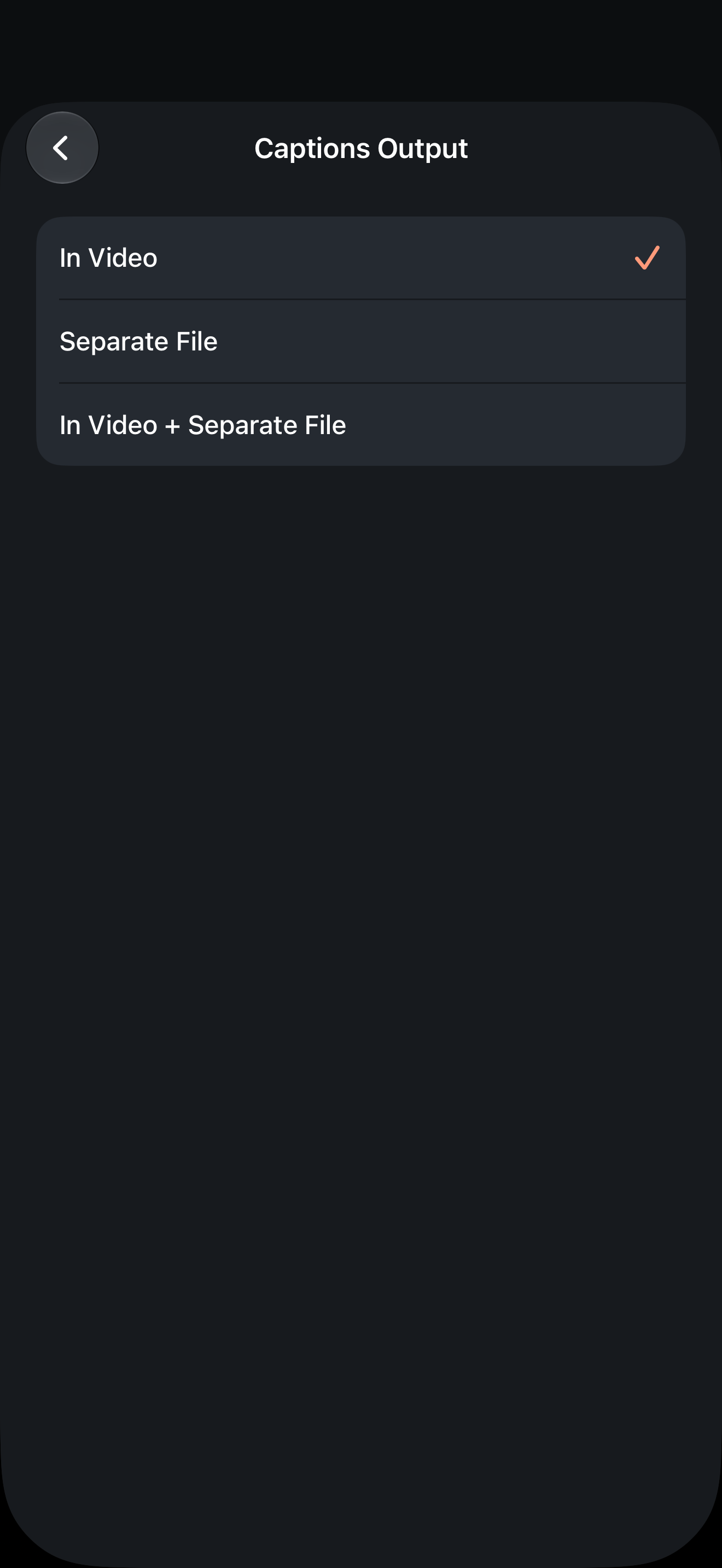
If delivering SRT, follow the caption output and sharing guide. Open the actual file and check its text, languages and timing rather than assuming the option created the exact language deliverable requested. Keep caption files paired with the same finished edit.
If you cannot verify it, do not present it as approved
If the translation is missing, materially wrong or beyond your ability to check, preserve the source recording and postpone the translated release. A source-language-only version may be useful for a different audience, but it does not fulfil an English-caption brief. Use troubleshooting for service failures.
No bilingual recording, verified language-pair result or viewer test is presented here. The worksheet and English contrast are editorial exercises. A genuine before/after example needs an authorized source recording, confirmed source transcript, actual export and competent language review; none is replaced by a simulator screenshot.
Version and evidence
Product instructions are based on international FoxTake 2.0 release source 9e32c98, the App Store listing and terms. This is a preparation and checking guide, not a report of measured performance. Personal views, for reference only.